


The massive Microsoft 365 outage on January 22, 2026, served as a stark reminder that even the tech giants are not immune to outages.
For several hours, businesses across the United States experienced a “digital blackout” as Microsoft Outlook, Teams, and Exchange went dark due to what Microsoft later described as “elevated service load” and “traffic imbalances” during maintenance.
For any business that relies on a single communication thread, this wasn’t just an inconvenience—it was a shutdown.
Email Continuity is essential for your business survival, not just a luxury, because it gives you confidence during outages.
The Reality of the “Cloud-Only” Risk
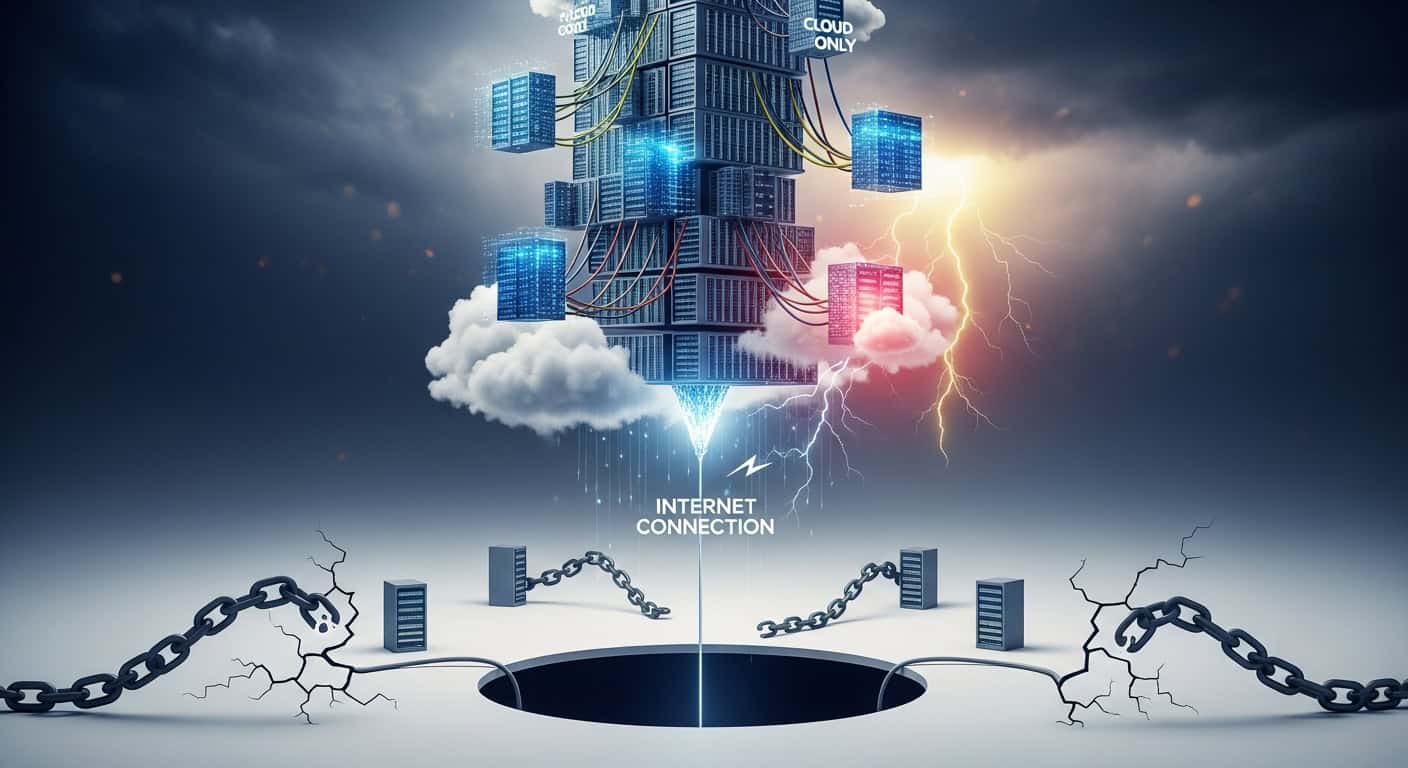
As reported by TechRadar and Mashable, the January 2026 outage saw nearly 30,000 reports peak on Downdetector as enterprise users were locked out of their primary communication tools.
While Microsoft.com provides a Service Health Dashboard, knowing a service is down does little to help a sales team halfway through a deal or a customer support desk facing a surge of inquiries.
Dependency on a single ecosystem creates a “single point of failure.” When Microsoft 365 stumbles, it doesn’t just take your email; it takes your calendar, your files, and your ability to collaborate.
This is where a Multi-Service Backup Plan becomes essential, offering layered protection that balances cost and complexity to ensure resilience.
Why You Need Alternative Email Services
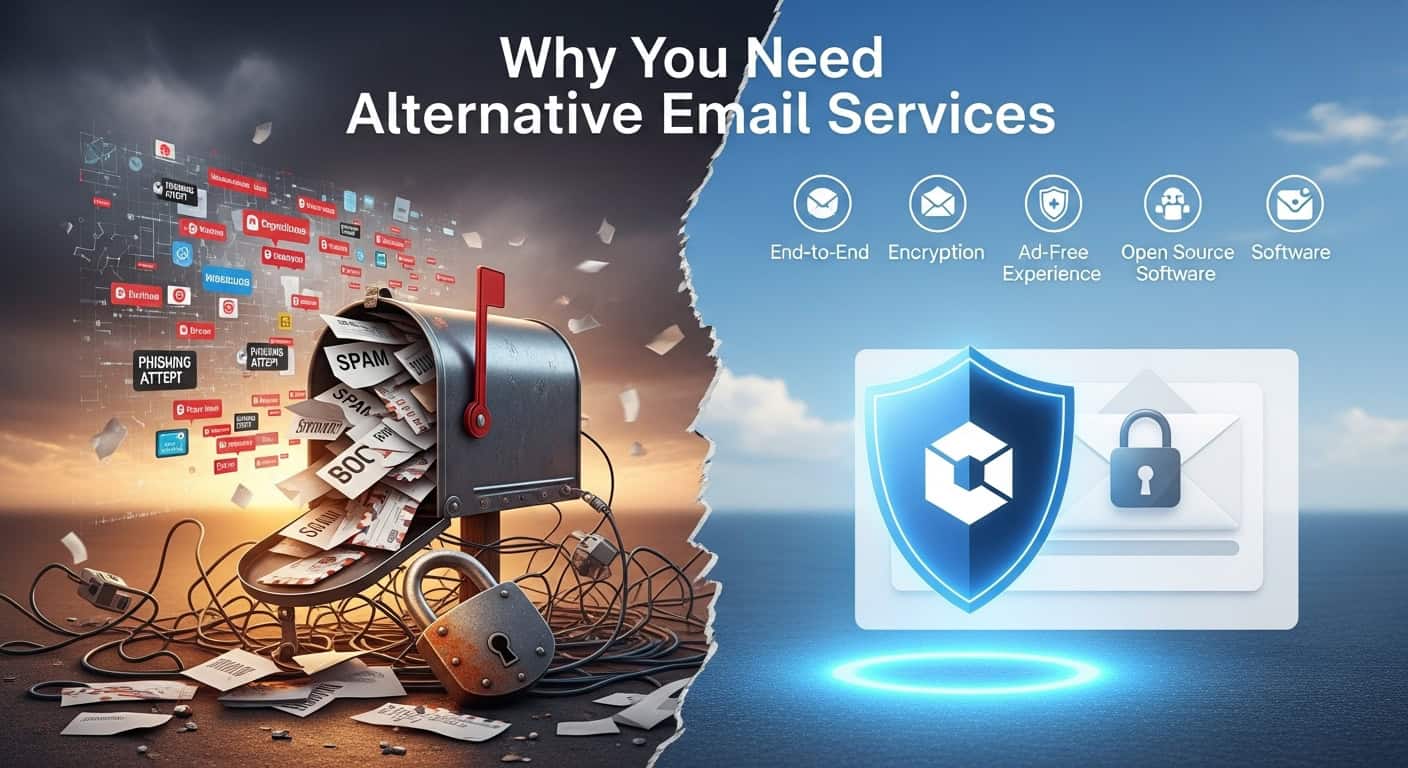
A robust continuity strategy involves having an ‘Emergency Inbox’ or a secondary email service, such as a secure third-party provider or a secondary Workspace account, that suits your business needs and remains independent of your primary host.
- Avoid the “Bounce-Back”: Without continuity, incoming emails during an outage may bounce, telling customers your business is “unavailable.”
- Immediate Failover: Some services support automatic spooling. If your primary server is down, these services catch your mail in the cloud, allowing you to read and reply via a secure web portal until the primary service is restored.
Protecting Your Leads: The Website Form Connection
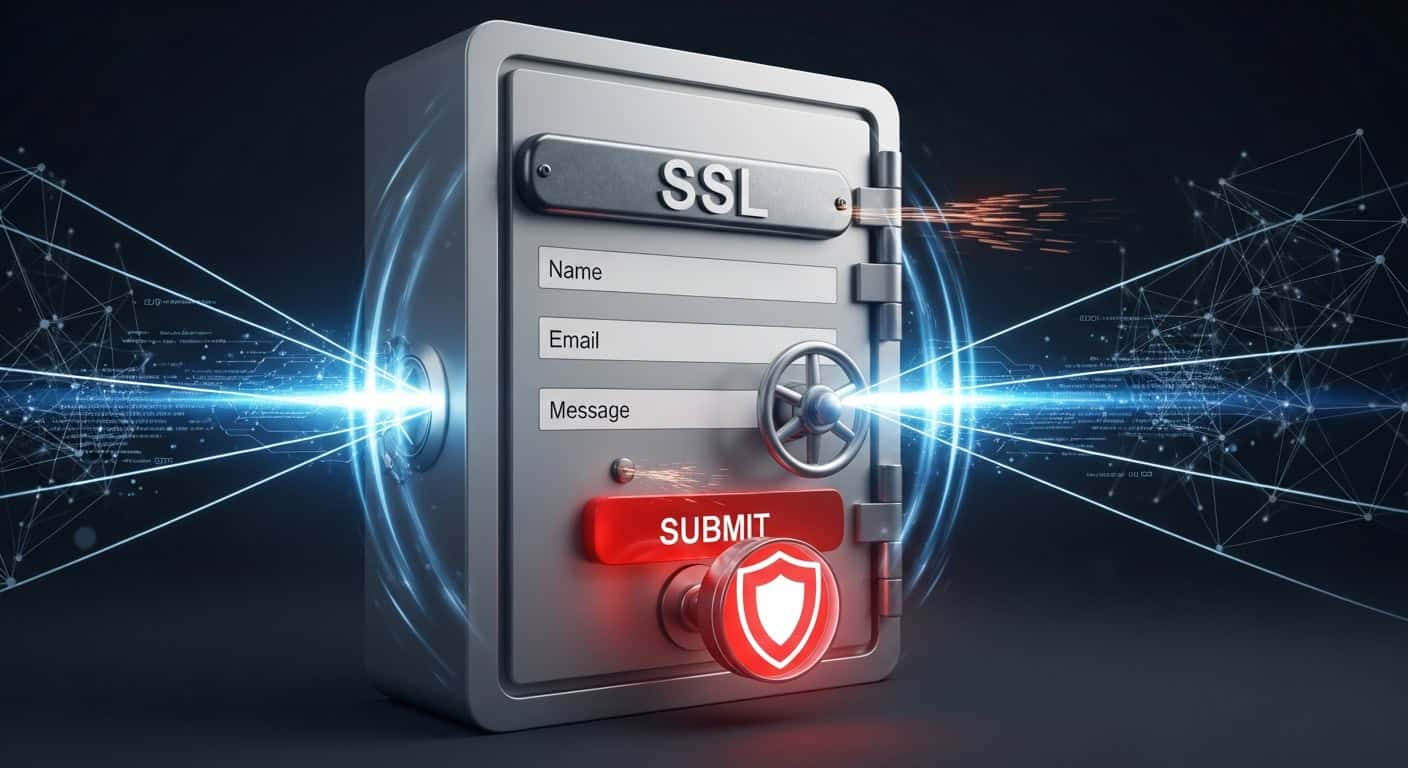
One of the most overlooked “silent killers” during an email outage is losing website inquiries.
Most website contact forms are configured to send an email notification the moment a lead clicks “Submit.” If your Microsoft 365 service is down, that notification might never arrive.
VISIONEFX, a leader in website support and business continuity, emphasizes the importance of redundant backup systems for web-based inquiries and recommends assessing your technical environment to ensure seamless integration and avoid potential pitfalls.
- Log Entries to a Database: Never rely solely on email notifications. Ensure your website saves a copy of every form submission to its own database (CMS).
- Use Multi-Path Notifications: Configure forms to send alerts to both your primary email and a secondary, “off-grid” backup email address.
- Third-Party Integration: Connect your forms to a CRM (like Salesforce or HubSpot) or a messaging tool like Slack. These systems often remain online even if your email provider is experiencing issues.
Building Your Continuity Toolkit
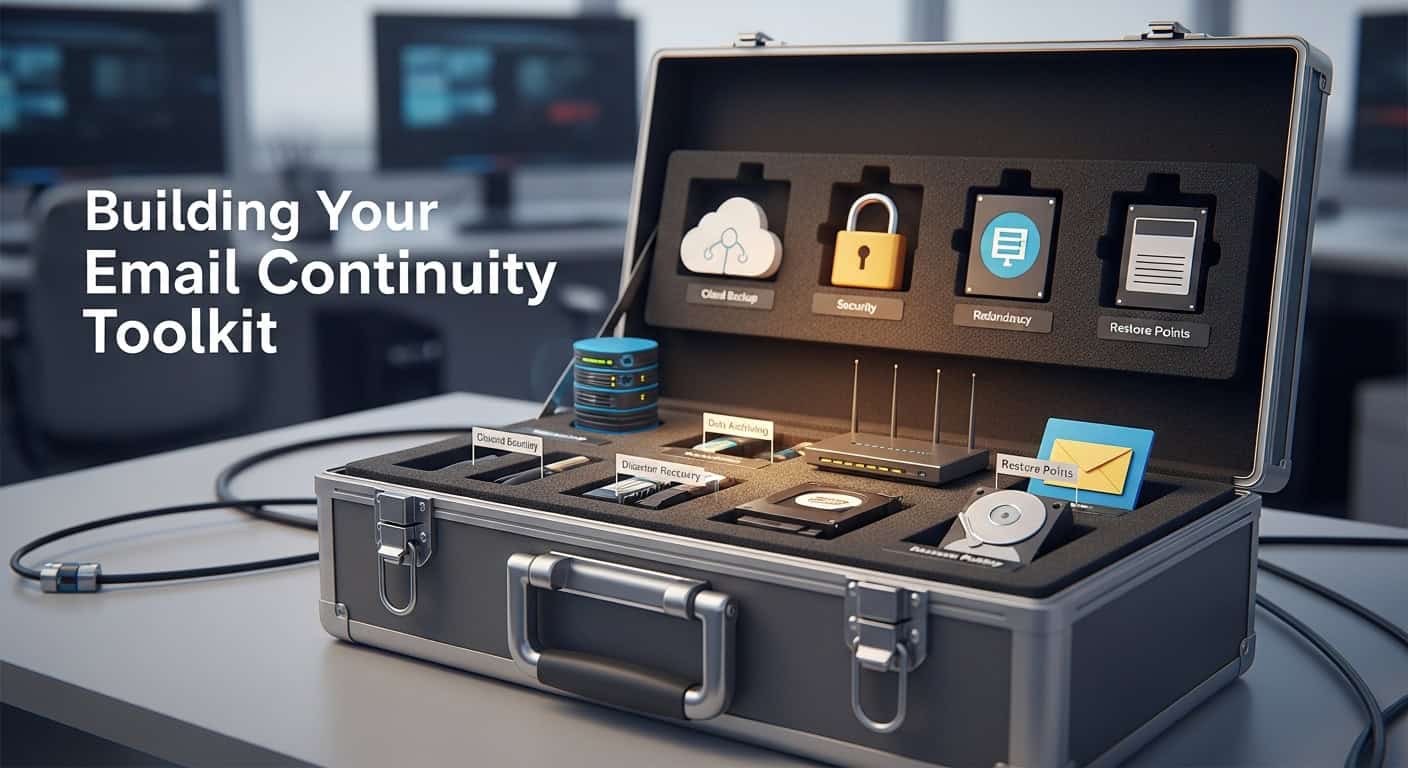
To avoid being paralyzed by the next major outage, consider these four pillars of resilience:
| Strategy | Benefit | Reference Source |
|---|---|---|
| Cloud Archiving | Provides access to historical emails even during a live outage. | TechRadar |
| Redundant Hosting | Uses secondary SMTP providers to ensure mail delivery. | VISIONEFX |
| Real-Time Monitoring | Alerts you to outages before your customers notice. | Microsoft.com |
| * Emergency Webmail | A “break glass” inbox for critical staff to keep operations running. | Mashable |
* Webmail providers include Gmail, AOL, Yahoo, and other similar email providers.
The Bottom Line
The 2026 Microsoft outage was a lesson in the fragility of centralization. By implementing an email continuity plan—one that captures data from your website forms and provides a secondary communication channel—you can keep your business open, even when the “cloud” is down.
Technical Checklist: Securing Your Lead Capture
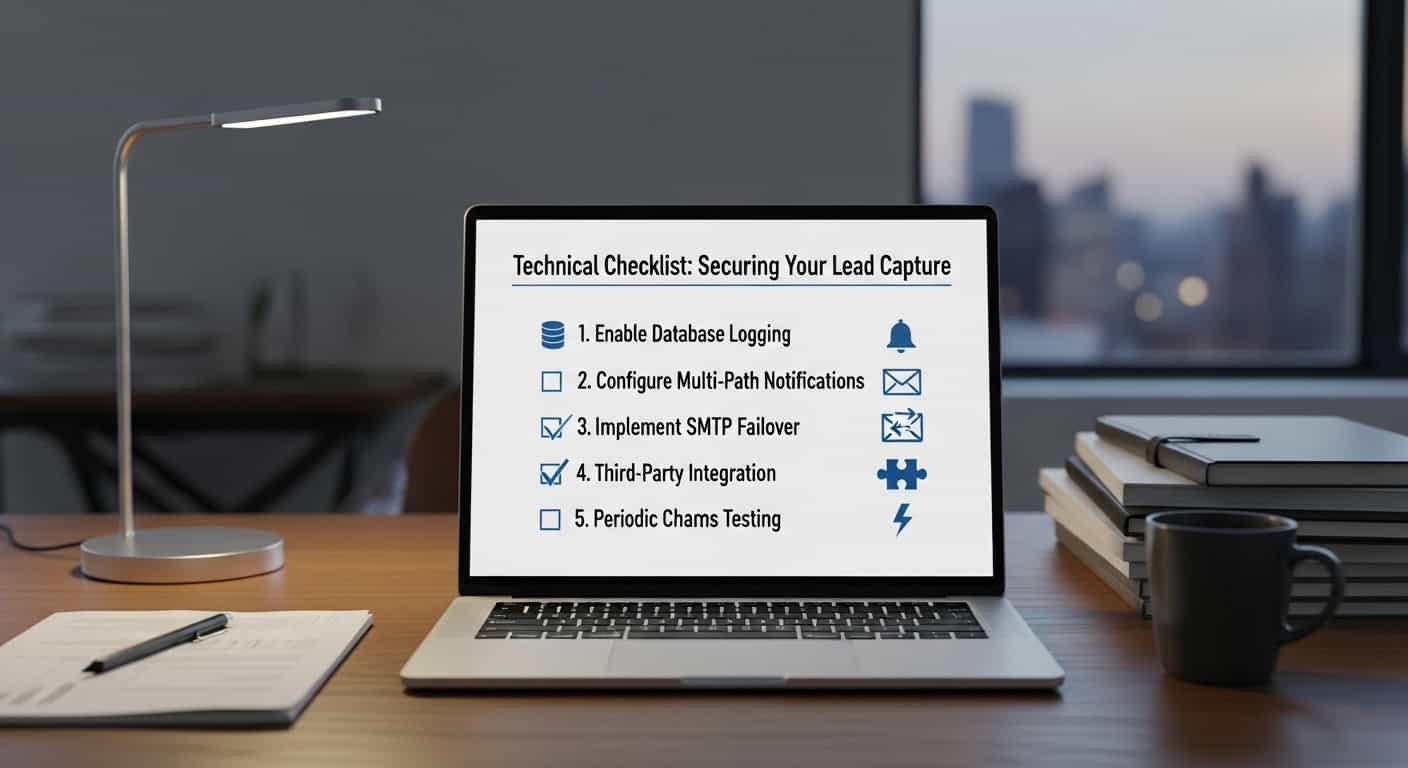
To ensure you never lose another inquiry during a provider outage, follow this step-by-step failover checklist:
1. Enable Database Logging (The “Gold Standard”)
- Action: Ensure your website’s Content Management System (CMS) or form plugin, such as Gravity Forms or Formidable Forms, is configured to save a copy of every submission to your internal database.
- Why: Even if every email service on Earth fails, your leads are safely stored on your web server for you to export later.
2. Configure Multi-Path Notifications
- Action: Set your contact forms to send notifications to two different email environments.
- Example: Send the primary alert to your name@company.com (Microsoft 365) and a carbon copy (CC) to an emergency backup, such as company.backup@proton.me or company@gmail.com.
3. Implement SMTP Failover
- Action: Use a “Secondary SMTP” service. Tools like Post SMTP or Gravity SMTP allow you to set a primary sender (Microsoft 365) and a backup sender (such as Sendlayer, SendGrid, or Mailgun).
- Why: If the Microsoft server rejects the outgoing mail from your website, the plugin automatically detects the failure and reroutes the email through the backup service.
4. Third-Party Integration (The “Off-Grid” Alert)
- Action: Use an automation tool like Zapier or Pabbly to push form data to a non-email platform such as Slack, Microsoft Teams (if accessible), or a CRM like HubSpot.
- Benefit: This provides an instant notification via a separate app, bypassing the email system entirely.
5. Periodic “Chaos Testing.”
-
-
- Action: Once a quarter, manually check your website’s internal lead logs to ensure they match your inbox records.
Regular ‘Chaos Testing’ reassures decision-makers that your backup systems are effective and dependable in an outage.
-
As Microsoft.com service dashboards often remind us, no cloud is 100% stable.
By diversifying where your emails land and how your website captures data, you turn a potential catastrophe into a manageable inconvenience.
Also read: Stop letting the web server send your mail. Install an SMTP plugin (WP Mail SMTP or similar)
About The Author
Rick Vidallon, the Creative Director at VISIONEFX, designs social media websites for small business owners throughout the United States.
Please read what our customers have to say about VISIONEFX on Google Reviews.
For more information, call (757) 619-6456 or use our contact form.