

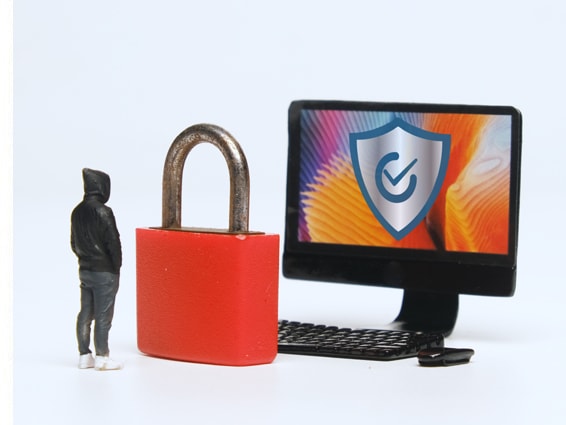
GOOGLE CHROME NOW REQUIRES HTTPS FOR YOUR WEBSITE.
HTTPS for Your Website | Chrome now marks all HTTP sites as “Not secure.” This marking is part of Google’s initiative to make the Web a safer place to visit. That’s the last thing you want your website visitors to see. If a person or potential customer views your website as NOT SECURE, they’re likely to think there is a virus or other hacking issue on your website.
Your website address will show the word ‘Secure’ with a small ‘lock’ icon to indicate your website is safe and secure with HTTPS. Here are the steps to take if you do not have HTTPS, also known as SSL.
How To Set Up HTTPS For Your Website
HTTPS For Your Website means getting an SSL, or ‘Secure Sockets Layer.’
1. Call your website hosting company or webmaster to see if you have an SSL or security certificate.
2. If you do not have an SSL (aka Secure Sockets Layer) certificate, you may purchase one through your hosting company or a 3rd party provider selling SSL certificates for websites. If you have a certificate, ask your web admin or hosting company to install it on your website’s hosting server.
3. Ask your webmaster to set up your web pages, files, images, links, and coding to display as HTTPS. The Simple SSL plugin helps install your SSL automatically if you have a WordPress website. There you go. Your website is displayed as HTTPS, reinforcing your brand as a professional website. Now, you are ready to accept online customers, clients, and visitors instead of scaring them away!
About VISIONEFX
We are a full-service web design agency offering maintenance plans to keep your website running smoothly. VISIONEFX can take your website to a whole new level of excellence.
Please read our top Google Reviews.
Contact us at 757-619-6456
Also, see
HOW DO I START AN E-COMMERCE BUSINESS?
WHEN SHOULD YOU REDESIGN YOUR COMPANY LOGO?
WHAT IS THE BEST SOFTWARE FOR OUR NEW WEBSITE?
E-COMMERCE 101
PAY ONLINE SECURELY WITH PAYPAL