

AI Is Now Built Into WordPress: What the New Claude, ChatGPT & Gemini Connectors Mean for Your Website
For years, adding AI to a WordPress site meant a junk drawer of third-party plugins — each with its own subscription, its own place to paste an API key, and its own way of breaking. That era just ended.
With WordPress 7.0 “Armstrong,” released May 20, 2026, artificial intelligence became core infrastructure. Your dashboard now has an official Connectors screen where you can plug in Anthropic’s Claude, OpenAI’s ChatGPT, and Google’s Gemini — and use them to generate featured images, alt tags, excerpts, titles, and content without leaving the editor. Here’s what shipped, what it’s genuinely good for, and where a little professional skepticism will save you.
What Changed in WordPress 7.0
WordPress 7.0 introduced four building blocks that together turn the world’s most popular CMS into an AI-ready platform. In plain English:
The Connectors screen
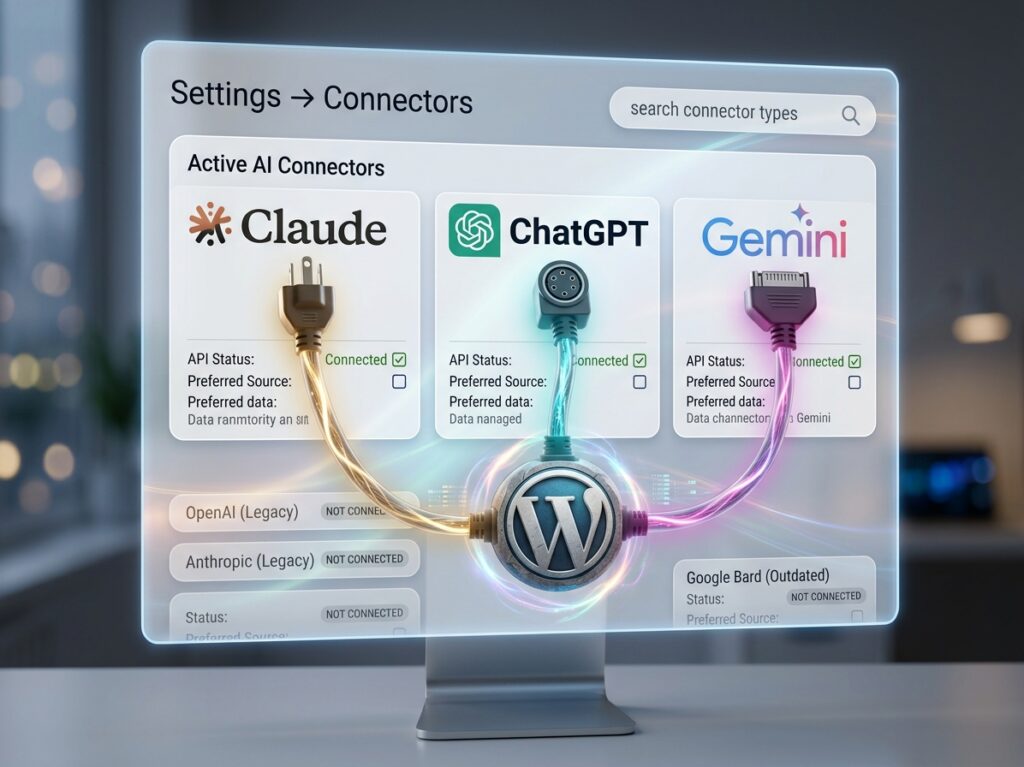
(Settings → Connectors) is the part you’ll see. Instead of scattering API keys across a dozen plugins, you enter each provider’s key once in a single native interface. WordPress ships with three default connectors — OpenAI, Anthropic, and Google — and every compatible plugin on your site shares those connections. Keys are stored in your own database and masked in the UI. Support for additional providers like Mistral and Cohere is expected in future releases.
The WP AI Client
The WP AI Client is the engine underneath — a WordPress-native library that lets any plugin talk to whichever AI provider you’ve connected through one consistent interface. That’s the quiet genius of the design: developers build a feature once, and it works with Claude, ChatGPT, or Gemini interchangeably. Want to switch providers later? Swap the connector; nothing else changes.
The official AI plugin
The official AI plugin is where the features live. The Connectors screen by itself is just plumbing — actually, to generate things, you install the free “AI” plugin from WordPress.org, then toggle on individual experiments under Settings → AI: content generation, title suggestions, excerpt generation, featured image creation, and alt text generation.
The Abilities API and MCP Adapter
The Abilities API lets plugins, themes, and core register their capabilities in a machine-readable way, and the MCP Adapter converts those abilities into tools that outside AI agents — Claude Desktop, Claude Code, Cursor — can discover and use to read and write to your site directly—more on why that matters below.
One reassurance for the cautious: all of this is entirely optional. WordPress 7.0 works exactly like previous versions if you never configure a key, and the AI layer adds no performance overhead unless you actively make API calls.
What You Can Actually Generate
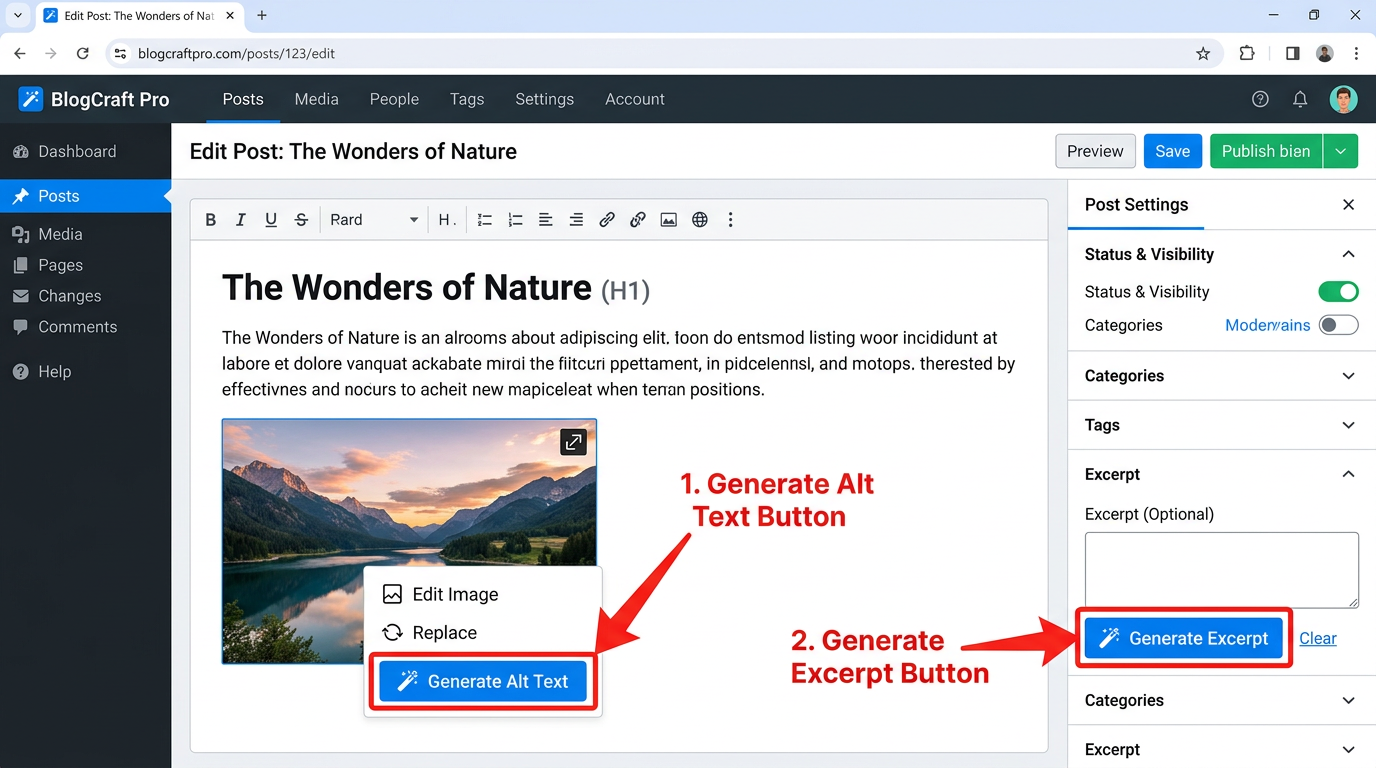
With a connector configured and the AI plugin’s experiments switched on, here’s what shows up in your daily workflow. In the block editor, you can draft and rewrite content, generate multiple title options, and produce a clean excerpt from the full post with one click. In the Featured Image box, you can generate an image on the spot instead of hunting through stock libraries.
The sleeper hit is alt text. When you upload an image, a Generate Alt Text button appears in the attachment details — and it sends the actual image to your provider’s vision model. Hence, the description reflects what’s really in the picture rather than a guess from the filename. For accessibility compliance and image SEO across a site with years of media uploads, this feature alone justifies the setup. Learn more about our SEO services.
Claude vs. ChatGPT vs. Gemini: Which Connector for Which Job?
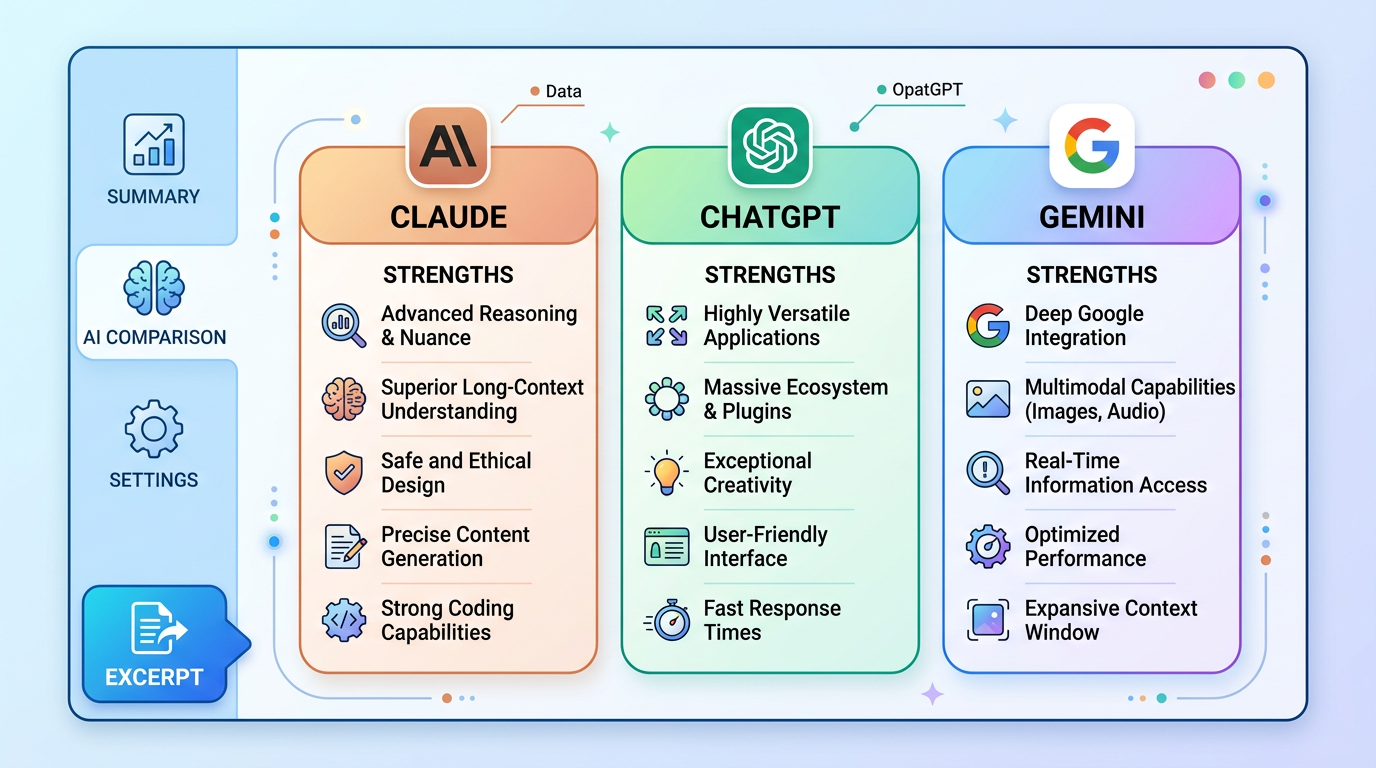
The three providers aren’t interchangeable, and picking based on the task matters more than picking a favorite brand.
| Provider | Strengths | Image Generation | Best For |
|---|---|---|---|
| Claude (Anthropic) | Long-form writing, structured tasks, deep reasoning, huge context window | No | Articles, FAQs, rewrites, summaries — anything text |
| ChatGPT (OpenAI) | Solid all-around text, web search capability | Yes (DALL·E) | Quick concept images, research-flavored tasks |
| Gemini (Google) | Text plus strong vision; image generation via Imagen | Yes (Imagen) | Alt text, image-heavy workflows, visuals |
The practical setup most professionals land on: Claude as the primary connector for everything text-related, with Gemini or OpenAI connected alongside for images and vision-based alt text. You can run multiple connectors at once, and the Connectors screen makes managing them painless.
Setting It Up in Five Minutes
- Update to WordPress 7.0 — on a staging site first, as with any major release. Note that 7.0 raised the minimum PHP requirements, so confirm your hosting environment is up to date.
- Open Settings → Connectors and click Install for your chosen provider(s).
- Create an API key in the provider’s developer console (Anthropic, OpenAI, or Google AI) and paste it into the connector. Most providers offer trial credits to start.
- Install the official “AI” plugin from the WordPress.org directory.
- Toggle on the experiments you want under Settings → AI — start with alt text and excerpts.
Where It Shines — and Where to Pump the Brakes
The clear wins are the unglamorous ones. Alt tags, excerpts, meta descriptions, title variations, FAQ sections built from existing content — these are high-volume, low-risk tasks where AI saves real hours and costs fractions of a cent per generation. Batch-cleaning the alt text across an entire media library is the kind of accessibility and SEO win.
Be pickier with AI featured images. One-click image generation is convenient, but generated visuals tend toward a recognizable “AI look” that can cheapen a carefully built brand. For a quick blog thumbnail, fine. For anything a customer judges you by, brand-consistent design still wins.
Be pickiest with publish-and-forget content. Google has been consistent that it rewards quality regardless of how content is produced — but AI used on autopilot produces the same interchangeable articles your competitors are generating with the same tools. In an era where visibility means being cited by AI answers, generic content is invisible content. As we covered in our piece on the death of the 10 blue links, winners are sources with a genuine, distinct point of view. Use the connectors to assist your voice, not replace it.
Know where your data goes. Your API keys live in your WordPress database, but the content and images you generate are sent to the provider’s API for processing. That’s normal, but review each provider’s API data policies before running client or sensitive material through it.
The Bigger Picture: WordPress Is Becoming Agentic
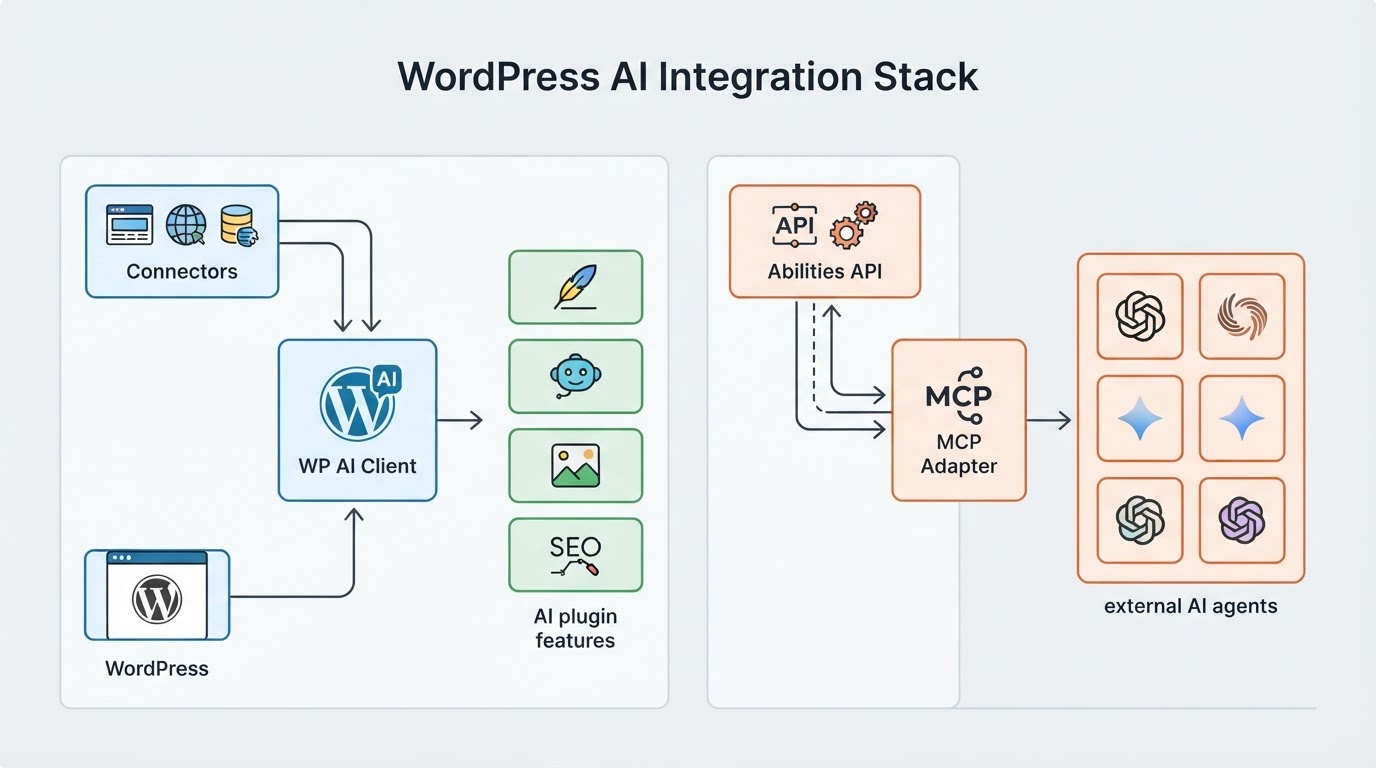
The content-generation features are the visible layer, but the Abilities API and MCP Adapter are the strategic story. WordPress is building a standard way for AI agents to safely take actions on a site — drafting posts, updating SEO fields, managing media — with the site owner controlling permissions. That means the CMS is evolving from a place where you paste AI output into an environment where AI tools can operate.
For website owners, the takeaway is simple: the sites positioned to benefit are the ones that are current, well-structured, and intentional about their content — the same fundamentals that win in AI search. Pair this with Google’s Preferred Sources feature and you have a modern visibility stack: AI helping you produce, and loyal readers helping you get found.
FAQ
Do I need WordPress 7.0 to use the AI connectors?
Yes — the native Connectors screen, WP AI Client, and official AI plugin arrived with WordPress 7.0 on May 20, 2026. Older sites can still use third-party AI plugins. Still, the unified connector system is the future standard, and 7.0’s higher PHP requirements mean some hosting environments will need updating first.
What does it cost?
The Connectors framework and the official AI plugin are free. You pay only for API usage from your chosen provider, billed per request. Text tasks like alt tags and excerpts cost fractions of a cent; image generation costs more but is still inexpensive at typical blog volumes. Most providers offer free trial credits.
Do I need all three providers connected?
No. One connector is enough to start. Because Claude doesn’t generate images, many sites pair it with Gemini or OpenAI — Claude for writing, the second connector for visuals and alt text. You can add, remove, or swap providers anytime without changing anything else on the site.
Is AI-generated content bad for SEO?
Not inherently — search engines evaluate quality and usefulness, not the tool used. The risk is sameness: fully automated content reads like everyone else’s and rarely earns rankings or AI citations. Use the connectors for drafts, metadata, and structure, and keep human expertise in the final product.
Is it safe to put my API keys in WordPress?
The keys are stored in your own site’s database and masked in the admin interface, which is safer than scattering them across multiple plugins. Standard security hygiene still applies: keep WordPress updated, limit admin access, and set usage caps in your provider’s console so a compromised key can’t run up a bill.
The Bottom Line
WordPress putting Claude, ChatGPT, and Gemini one settings screen away is the biggest change to the platform in years — not because of any single feature, but because AI is now infrastructure rather than an add-on. Start with the boring, high-value wins: alt text, excerpts, and metadata. Stay hands-on with images and long-form content. And keep your sites updated, because the agentic future being built on the Abilities API will reward the sites that are ready for it.
Want help getting your WordPress site onto 7.0 and configuring the AI connectors the right way — without putting your brand on autopilot? “Let’s talk.”
References include:
WordPress 7.0 official release notes (wordpress.org)
Make WordPress Core — Introducing the Connectors API in WordPress 7.0
The official AI plugin on WordPress.org